What is TiviMate?
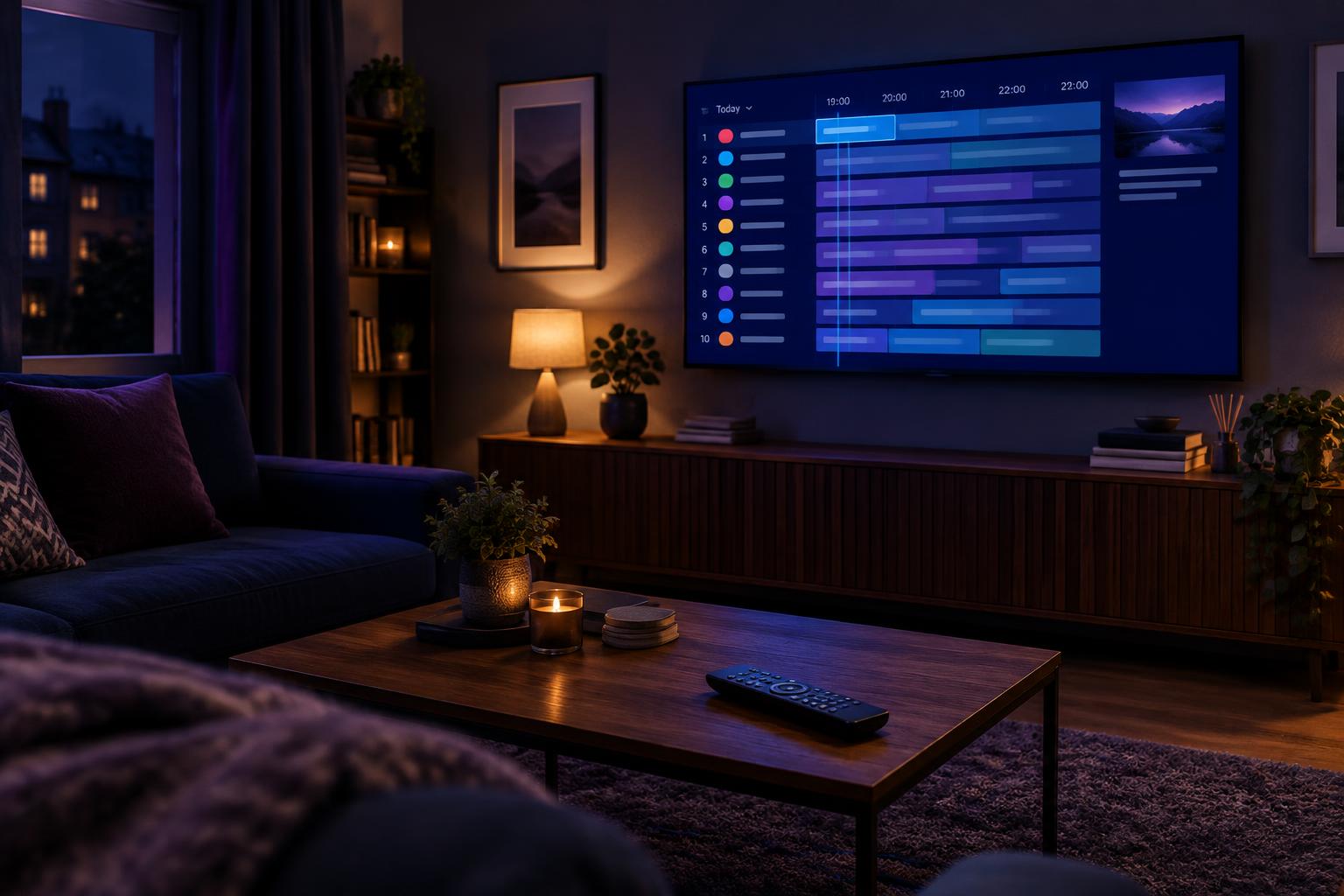
TiviMate is an IPTV player app for Android TV, Google TV and Amazon Fire TV devices. It gives you a polished interface for watching live channels, browsing an electronic programme guide (EPG), setting reminders and recording shows.
The key point to understand is that TiviMate is only the player. It does not include any channels, playlists or subscriptions. You bring your own source, such as the playlist or login details supplied by your IPTV provider, and TiviMate displays it in a far nicer way than most built-in apps.
What TiviMate can do
- Clean channel list and TV guide. Browse channels by group and see what is on now and next, much like a traditional set-top box.
- Favourites and custom groups. Organise your most-watched channels so you are not scrolling through thousands of entries.
- Multiple playlists. Combine more than one source in one app (Premium).
- Catch-up and recording. Watch programmes you missed and record to a USB drive or network storage, where your provider supports it (Premium).
- Reminders. Get alerts before a match or programme starts.
- Automatic guide updates. The EPG refreshes in the background so listings stay current.
Free version vs Premium
TiviMate offers a free version with basic playback, and a paid Premium upgrade that unlocks the advanced features. The exact price and plan options change from time to time, so check the app and its official website for the current details.
| Feature | Free | Premium |
|---|---|---|
| Live channels and TV guide | Yes | Yes |
| Favourites and basic groups | Limited | Yes |
| Multiple playlists | No | Yes |
| Recording | No | Yes |
| Catch-up (provider permitting) | No | Yes |
| Custom channel organisation and reminders | Limited | Yes |
For most people, the free version is enough to test the app, and Premium is worth considering if you watch a lot of live TV and want recording and better organisation.
Which devices does TiviMate support?
TiviMate is built for Android-based TV platforms:
It is not available for iPhone, iPad, Apple TV or Windows. If you use those devices, you will need a different player app.
- Amazon Fire TV Stick (including 4K models)
- Android TV and Google TV boxes, such as the NVIDIA Shield and Chromecast with Google TV
- Smart TVs running Android TV or Google TV (many Sony, Philips and TCL models)
How to set up TiviMate on a Firestick or Android TV
- Install the app. On Android TV or Google TV, use the official TiviMate IPTV Player listing in Google Play. On Fire TV, follow the developer’s installation instructions at tivimate.com and use its official APK download; avoid unofficial download sites.
- Open TiviMate and choose Add playlist.
- Pick your playlist type. The most common options are an M3U playlist link or Xtream Codes login details. Your provider will tell you which to use.
- Enter the details. Paste the playlist URL or type the server address, username and password exactly as provided.
- Wait for the channels to load. TiviMate imports the channel list and, if available, the programme guide.
- Set up your EPG. If the guide is blank, check that your provider includes an EPG source and that it is switched on in the playlist settings.
- Organise your channels. Hide groups you never watch and add your favourites for quick access.
Tips to get the best performance
- Use a wired connection if possible. An Ethernet adapter for your Firestick is more stable than Wi-Fi.
- Check your speed. Aim for around 5 Mbps per HD stream and 15–25 Mbps for 4K.
- Increase the buffer. In the player settings you can often adjust the buffer size to help with stuttering.
- Try a different video player setting. If playback is choppy, switching between the available playback options can help.
- Keep your device updated. Install the latest system and app updates for performance and security fixes.
- Clear the cache. On a Firestick, go to Settings, then Applications, then Manage Installed Applications, and clear the cache for TiviMate if it becomes slow.
Common problems and quick fixes
No channels appear. Re-check the playlist URL or login details for typos, and confirm your subscription is active.
The TV guide is empty. Make sure an EPG source is included and refresh the guide manually from the settings.
Constant buffering. Test your broadband speed, move closer to the router or switch to Ethernet, and restart your router and streaming device.
Playback stops after a while. This is usually a connection or provider-side issue. Restart the app and your device, then contact your provider if it continues.
Is TiviMate legal?
The app itself is perfectly legal, because it is simply a media player, in the same way that a video player app is. Whether you are watching legally depends entirely on where your channels come from. Streaming content from a provider that does not hold the proper licences can expose you to unreliable service, shutdowns, scams and legal risk, and supplying such streams to others can lead to criminal prosecution in the UK.
Safe ways to use TiviMate include loading playlists from licensed providers, using it with free legal streaming sources, or connecting it to your own legitimately sourced content. Always check that your provider is a real, identifiable business with clear terms, normal payment methods and proper support.
TiviMate alternatives
If TiviMate does not suit your device or taste, popular alternatives include:
- Televizo. A simple, free-to-use player for Android devices.
- IPTV Smarters Pro. Available on a wide range of platforms, including iOS.
- Kodi with the PVR IPTV Simple Client. Highly customisable but with a steeper learning curve.
- Plex. Useful if you already use it for live TV with a compatible tuner.
Frequently asked questions
Final thoughts
TiviMate is one of the best-looking and easiest-to-use IPTV players for Firestick and Android TV, especially if you like a proper TV guide and want to organise your channels your own way. It is only as good as the source you plug into it, so choose a reliable, licensed provider, use a stable connection, and you will have a smooth, living-room-quality experience.