What Is IPTV?
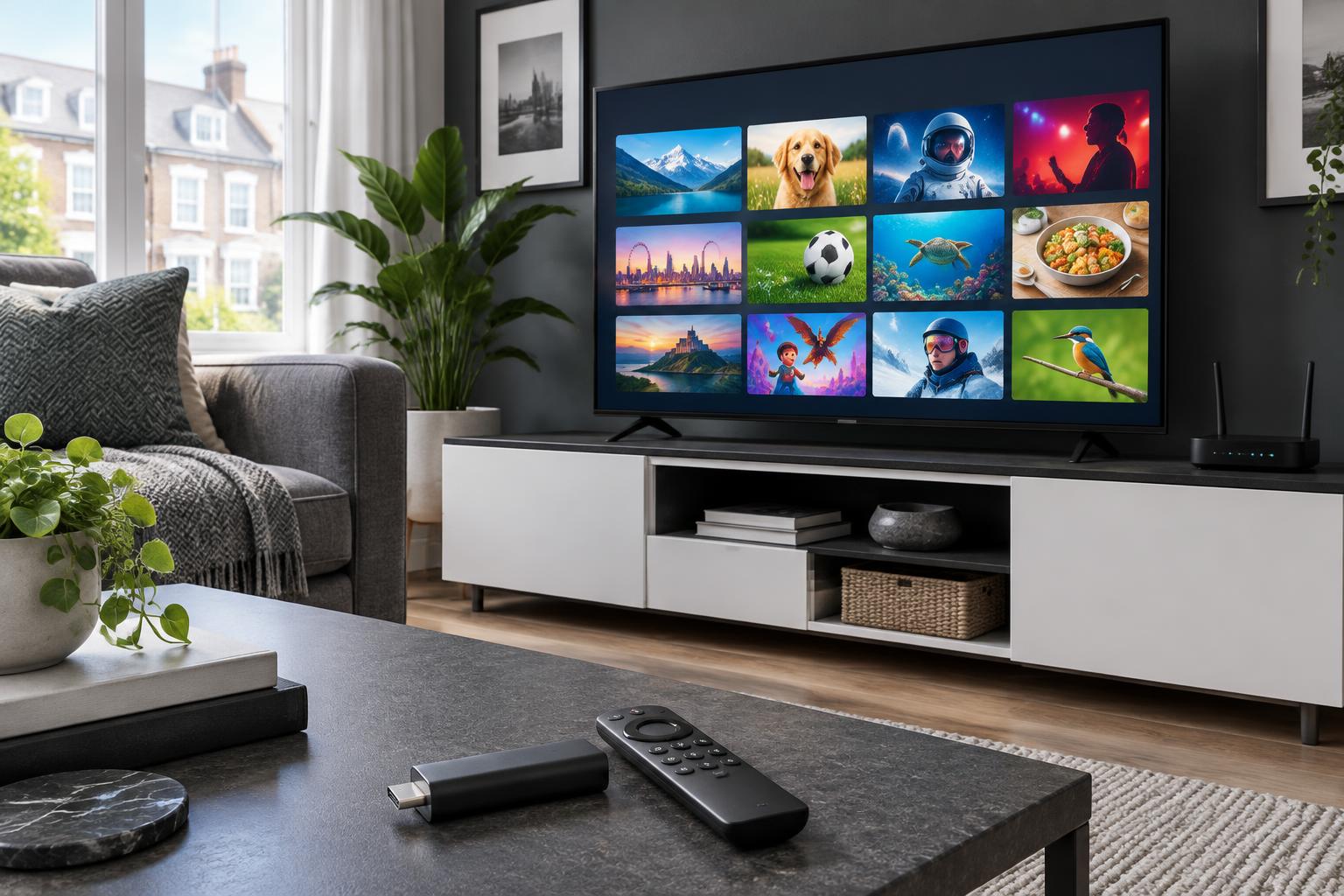
IPTV delivers television over your broadband connection instead of through a satellite dish or aerial. Rather than receiving a broadcast signal, your device streams channels and on-demand content as data, the same way you’d watch a video online.
Many UK services you may already know, including catch-up players and live streaming apps from broadcasters, use this same technology. IPTV is simply the delivery method.
How Does IPTV Work in the UK?
- Content is encoded and sent over the internet from the provider’s servers.
- Your broadband router receives the stream.
- Your device (smart TV, Firestick, set-top box or app) decodes it and plays it on screen.
Because everything travels over the internet, the quality of your experience depends heavily on your connection and your device.
What Do You Need to Get Started?
- A stable broadband connection. As a guide, aim for around 10 Mbps for HD and 25 Mbps or more for 4K streams, per device.
- A compatible device. Amazon Firestick, Android TV boxes, Apple TV, Samsung and LG smart TVs, and most smartphones and tablets work well.
- An IPTV app or player supported by your device.
- A subscription from a provider.
Benefits of IPTV for UK Viewers
- Flexibility: watch on your TV, phone, tablet or laptop.
- No dish or installation: setup is usually just an app and a login.
- On-demand features: many services offer catch-up and replay options.
- Variety: access to UK and international channels in one place.
- Cost control: often more flexible than long contracts with traditional providers.
How to Choose a Good IPTV Service
Not all services are equal. Before you subscribe, check the following.
1. Is it properly licensed?
This is the most important question. Legitimate providers hold the rights to the content they offer. Be cautious of services that promise every premium sports and entertainment channel for a suspiciously low price, as these may be unlicensed, can disappear without notice and may put you at legal or security risk.
2. Stream quality and reliability
Look for stable streams with minimal buffering, especially during peak times such as weekend football and major events. Reviews and trial periods can help you judge this.
3. Device compatibility
Make sure the service works on the devices you already own, including Firestick and smart TVs.
4. Customer support
A reliable provider offers responsive support and clear setup guides, not just a payment page.
5. Transparent pricing
Look for clear plans and billing terms, with no hidden fees or confusing renewal conditions.
6. Secure payment and privacy
Use trusted payment methods and check how your data is handled.
Common Problems and Quick Fixes
- Buffering: restart your router, move closer to the Wi-Fi or use an Ethernet cable. Closing other streaming apps on your network also helps.
- Freezing during live events: peak demand can slow streams, so a wired connection makes a big difference.
- App won’t load: update the app, clear its cache and restart your device.
Frequently Asked Questions
Final Thoughts
IPTV gives UK viewers a flexible, modern way to watch live TV. By choosing a licensed, reliable provider and making sure your broadband and devices are up to the job, you can enjoy smooth streaming without the hassle of traditional setups