How to Install an IPTV App on a Smart TV (2026 UK Guide)
By IPTV UK Subs
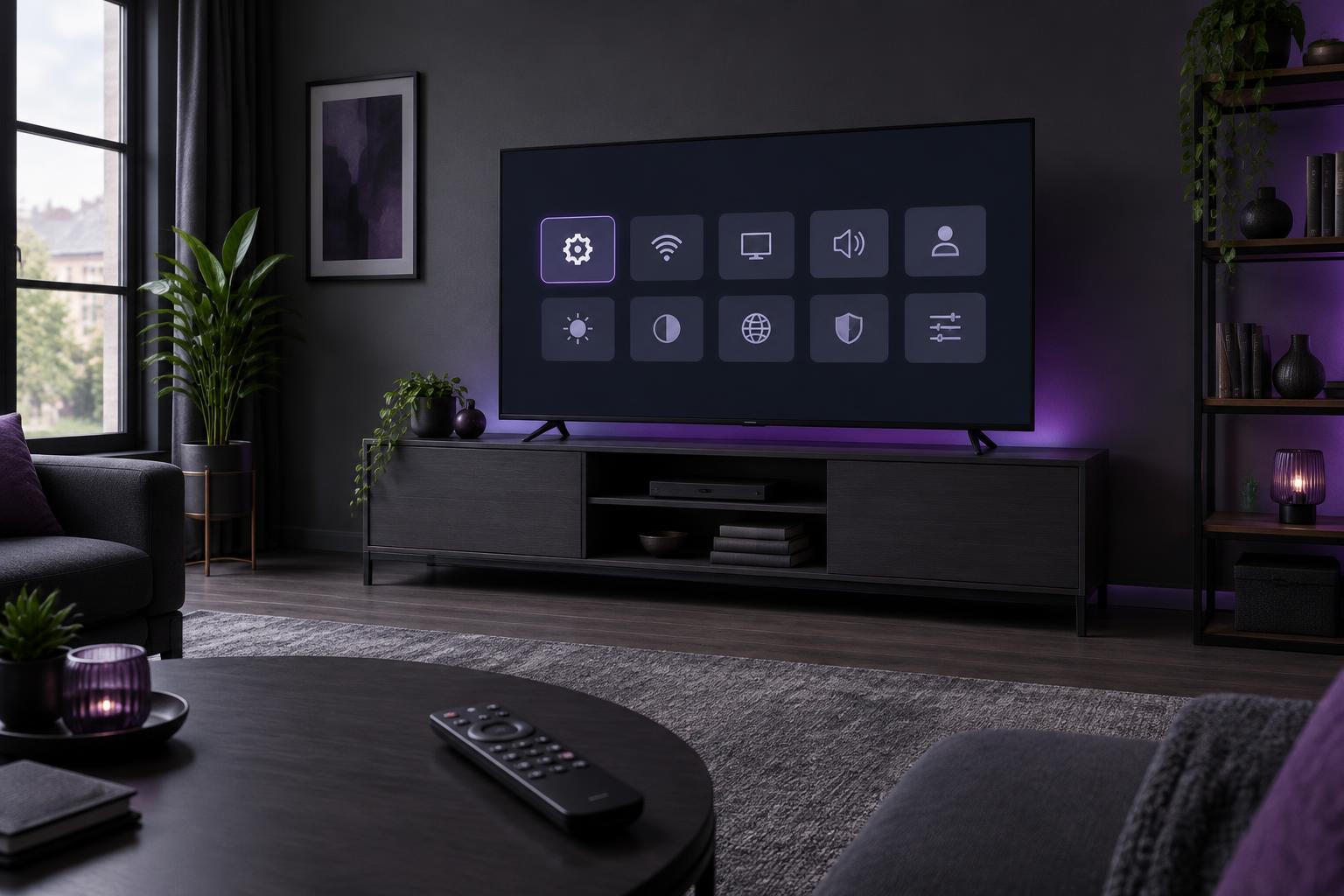
Wondering how to install an IPTV app on a smart TV? This UK guide walks through IBO Pro Player, from finding the app to loading your playlist. The process uses your TV remote and a WhatsApp conversation with our team, rather than asking you to type a long playlist address on screen.
For a service test with United Kingdom IPTV, follow the steps below. Read the device notes before you install IPTV on a smart TV, particularly if its app store looks different.
What you need
- A compatible Samsung, LG or Android smart TV with access to its app store. Availability can vary by model, software version and region, so check your own TV before proceeding.
- A working internet connection, your remote control and enough free storage for the app. Use Wi-Fi or a wired connection where your TV supports it.
- A phone with WhatsApp so you can send the identifiers displayed inside the app. Keep account passwords, payment details and other private information out of screenshots.
How to install an IPTV app on a smart TV: 5 steps
1.Download IBO Pro Player from your TV’s app store
Open the app store on your television and search for IBO Pro Player. Check the app name carefully: similarly named players may have different setup instructions. Select the appropriate listing, choose Install or Download, and wait for installation to finish. Open the app from your TV’s application menu. If no matching listing appears, use the device notes below rather than installing an unknown alternative.
2.Note the MAC address and device key
On the app’s welcome or information screen, look for the MAC address and device key. Write both down exactly as shown, or take a clear photograph of that screen. Use the identifiers shown by IBO Pro Player, not a network address found elsewhere in your TV settings. Check every character before sending them; an incorrect identifier can prevent the playlist being attached to the right installation.
3.Send the details to us on WhatsApp
Message our team using the Claim Free Trial button at the end of this guide. Tell us which TV platform you use and send the app’s MAC address and device key. Ask for the free 24-hour test. Only share these details with the intended support contact, as they are used to manage the app’s playlist. You do not need to send your TV account password.
4.We add the playlist and activate your free 24-hour test
Our team uses the details you provide to add the playlist and activate a free 24-hour service test. Wait for confirmation before checking the app, and ask when your test starts and ends. This step connects the player to the supplied playlist; it does not change the app developer’s separate licensing terms. During the test, check playback and navigation on the television you actually plan to use.
5.Restart the app and check the playlist
Once we confirm the setup, close IBO Pro Player fully and reopen it. Simply switching away from the app may leave it running in the background. If necessary, use your TV’s app controls or restart the television according to its instructions. Allow the playlist to load, then check that the menu opens and a permitted stream plays. If it remains empty, contact us with the exact message displayed.
IBO Pro Player smart TV device notes
The IPTV app smart TV installation route depends on your television’s platform.
Samsung
On a Samsung smart TV, open Apps from the Home menu and search for IBO Pro Player. Menu names vary between models. If the app is missing, check the TV’s supported software and store region with the manufacturer or app developer. Do not assume a guide for Android applies to Samsung: its TV platform uses a different app store.
Troubleshooting
The app is not in the store
Check the exact spelling, TV model and software version. Availability is not universal. Ask the developer or TV manufacturer about compatibility rather than choosing a lookalike app.
The playlist is empty
Confirm our team has completed setup, compare the MAC address and device key with your screenshot, and reopen the app. Avoid reinstalling immediately, as your displayed identifiers may need checking again.
Playback stops or does not start
Check whether other internet apps work on the TV. Restart the app and, if needed, your router following its instructions. Send support the error text and TV model; hide unrelated personal details.
Frequently asked questions
Ready to test your setup?
Send us your app’s MAC address and device key on WhatsApp to request your free 24-hour test.
Claim Free TrialApp references: IBO Pro Player FAQ and official app downloads. Store availability and app terms can change.