Best IPTV Service UK for Sports & Premier League (2026 Guide)
By StreamVibeTV
Searching for the best IPTV service UK sports fans can use for Premier League viewing? Start with permission to show the content, not the longest channel list or the lowest price. This guide explains what to check before subscribing, how to test your actual setup and why a player app is different from a sports subscription. It is a practical buying checklist, not a ranking of providers we have not independently tested.
1. Check viewing rights before comparing prices
IPTV means television delivered using internet protocol. The term describes a delivery method; it does not, by itself, tell you whether a subscription is authorised. A legitimate viewing option needs permission to distribute the content it offers. An impressive website, a familiar app or a working stream is not evidence of those rights.
For Premier League viewing in the UK, start with the competition’s official broadcast information and follow its current partner links. Check the provider’s own product page for your location. Do not assume that a package available abroad is licensed for UK viewers, or that a generic sports category includes the competition you want. If a seller cannot explain its authorisation, do not treat a trial as a substitute for that evidence.
2. Confirm which matches you can actually watch
The best IPTV service for Premier League viewing is not automatically the one promising every fixture. Live availability depends on the current broadcast arrangements, your location and the package you buy. A fixture list and a television schedule are different things: a scheduled match is not a guarantee of a live UK stream in your subscription.
Before paying, look up the matches you want through official broadcast information. Ask whether the relevant coverage is live, a replay or highlights, and whether it needs an additional subscription. Check restrictions and changes directly with the authorised provider. Avoid offers that promise to bypass territorial or broadcast restrictions; this guide does not recommend ways around them.
3. Compare live playback, not resolution labels
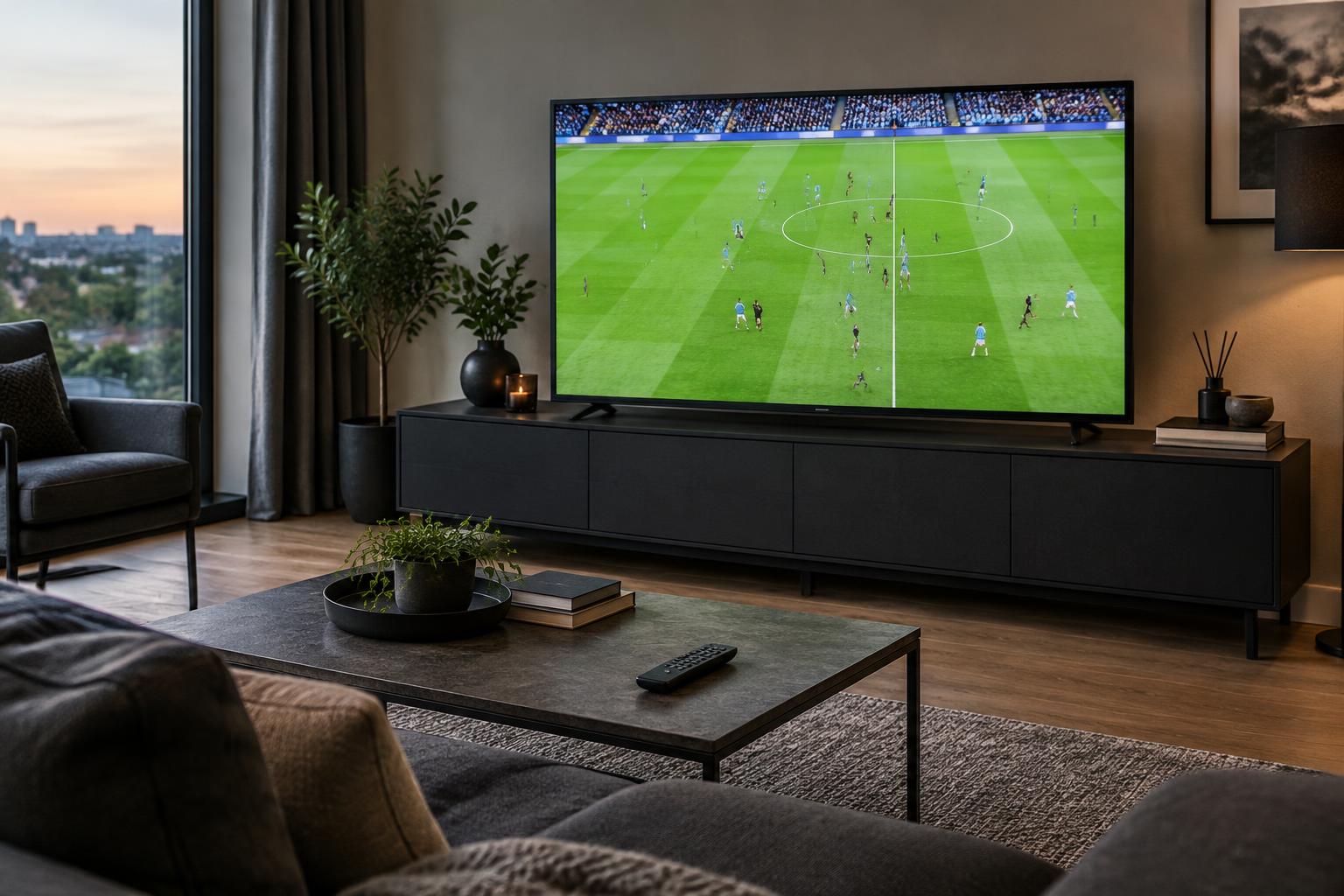
Sport makes playback problems easy to spot. A sharp still image tells you little about a moving ball, camera pans or audio synchronisation. During a permitted test, watch for motion judder, repeated pauses and sound drifting away from the picture. Try the device and connection you will use on match days, rather than relying on a demonstration recorded somewhere else.
A 4K or 8K package name does not mean every source is available at that resolution. Ask about the actual stream format, supported devices and any extra requirements. Your picture also depends on the source, player and television. Live internet streams may be delayed, so check whether that matters when following scores or discussing a match with someone watching another way.
4. Check your Smart TV or Firestick setup
Confirm compatibility with your exact device model and software, not just a broad label such as Smart TV. Check that the recommended app is available through an official store or a developer-supported installation method. Look for clear instructions, sensible remote-control navigation and a way to get help if the playlist does not load.
IBO Player and IBO Pro Player are player apps, not sports subscriptions. Installing a player does not supply channels or grant viewing rights. A separate, authorised subscription or playlist is required, and app activation charges may be separate from the service price. Keep device keys and account details private, and only send setup information to the intended support contact.
5. Test your connection and support before committing
Where an authorised provider offers a trial, use it on your normal home network. Compare Wi-Fi with a wired connection if your device supports one, pause large downloads and check that the app stays usable during playback. There is no single connection-speed figure that guarantees every stream: follow the provider’s requirements for the specific format you intend to watch.
If playback stops, note the device, time and exact error message. Test another permitted stream and check whether other internet apps work before changing settings. Ask support a straightforward setup question during the trial and assess whether the answer is useful. A short test helps evaluate compatibility but cannot guarantee future performance or prove content licensing.
6. Read the total cost and subscription terms
Compare the total price for the period you want, including any player licence or additional sports package. Ask how many simultaneous streams are allowed, whether there is automatic renewal and how cancellation works. Support availability, refunds and device limits should be stated clearly rather than inferred from advertising. Keep a copy of the terms and your payment confirmation.
A longer subscription may cost less per month, but it also commits more money before you know whether the arrangement suits you. Choose based on verified viewing rights, the coverage you need, your device and transparent terms. Without independent testing and licensing checks, calling any particular seller the best IPTV service UK viewers can buy would be an unsupported claim.
Your pre-subscription checklist
- Verify permission to provide the content in the UK.
- Confirm the specific live coverage and any extra package.
- Test your own device, network, motion and audio.
- Separate player activation costs from subscription costs.
- Read renewal, cancellation and simultaneous-stream terms.
Frequently asked questions
Questions about your setup?
Ask United Kingdom IPTV about device compatibility and the free 24-hour service test. Confirm content availability and viewing rights separately; a test is not a guarantee of Premier League access.
Claim Free TrialSources and further checks
- Premier League — official broadcast and competition information
- UK legislation — Digital Economy Act 2017, section 32
Reviewed 25 October 2026. Broadcast arrangements, schedules and subscription terms can change.